

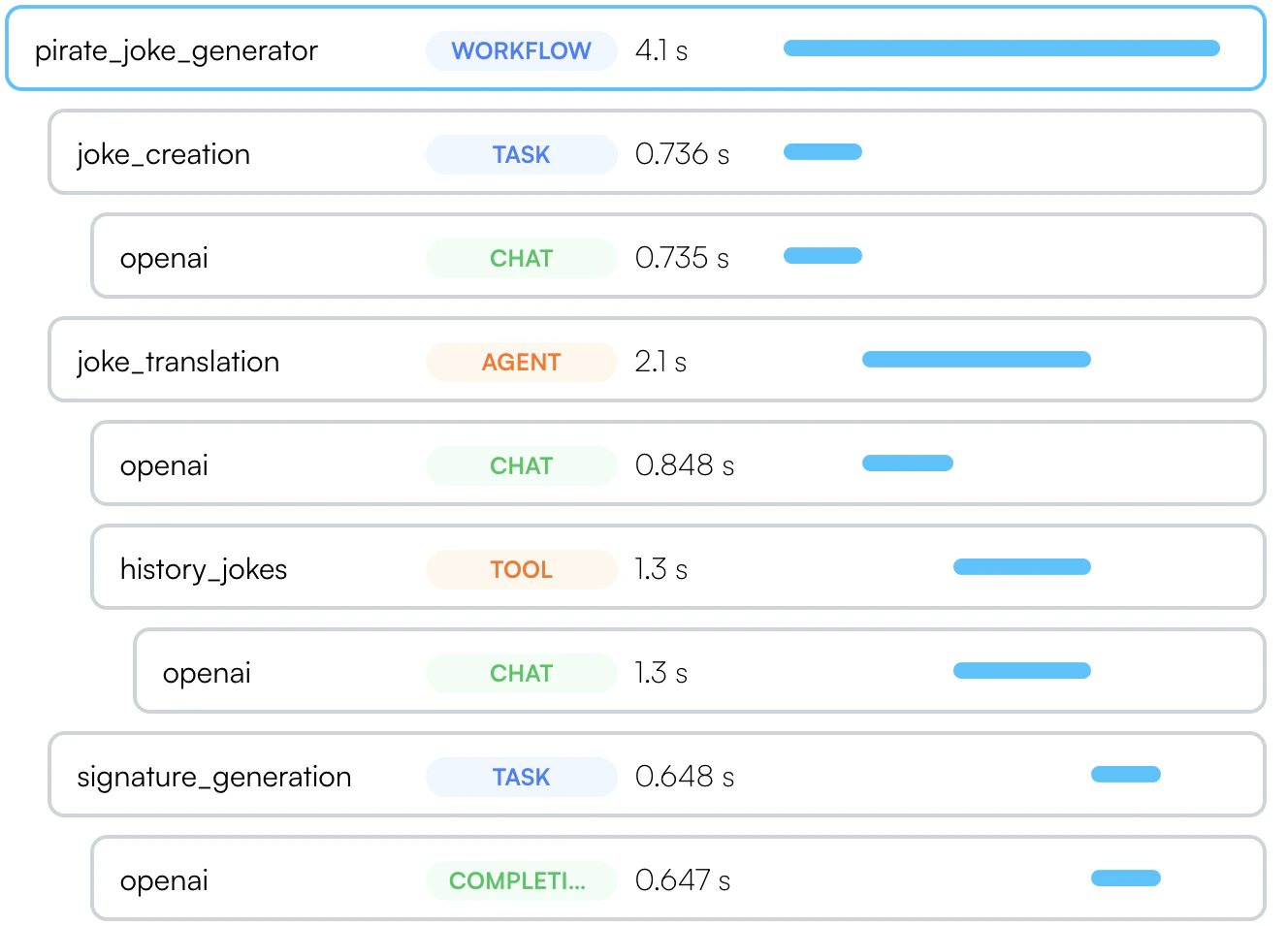
Workflows and Tasks
Sometimes called a “chain”, intended for a multi-step process that can be traced as a single unit.- Python
- Typescript
- Javascript - without Decorators
Use it as
@workflow(name="my_workflow") or @task(name="my_task").Agents and Tools
- Python
- Typescript
- Javascript - without Decorators
Similarily, if you use autonomous agents, you can use the
@agent decorator to trace them as a single unit.
Each tool should be marked with @tool.Async methods
In Typescript, you can use the same syntax for async methods. In python, the decorators work seamlessly with both synchronous and asynchronous functions. Use@workflow, @task, @agent, and so forth for both sync and async methods.
The async-specific decorators (@aworkflow, @atask, etc.) are deprecated and will be removed in a future version.
See also a separate section on using threads in Python with OpenLLMetry.
Decorating Classes (Python only)
While the examples above shows how to decorate functions, you can also decorate classes. In this case, you will also need to provide the name of the method that runs the workflow, task, agent or tool.Python